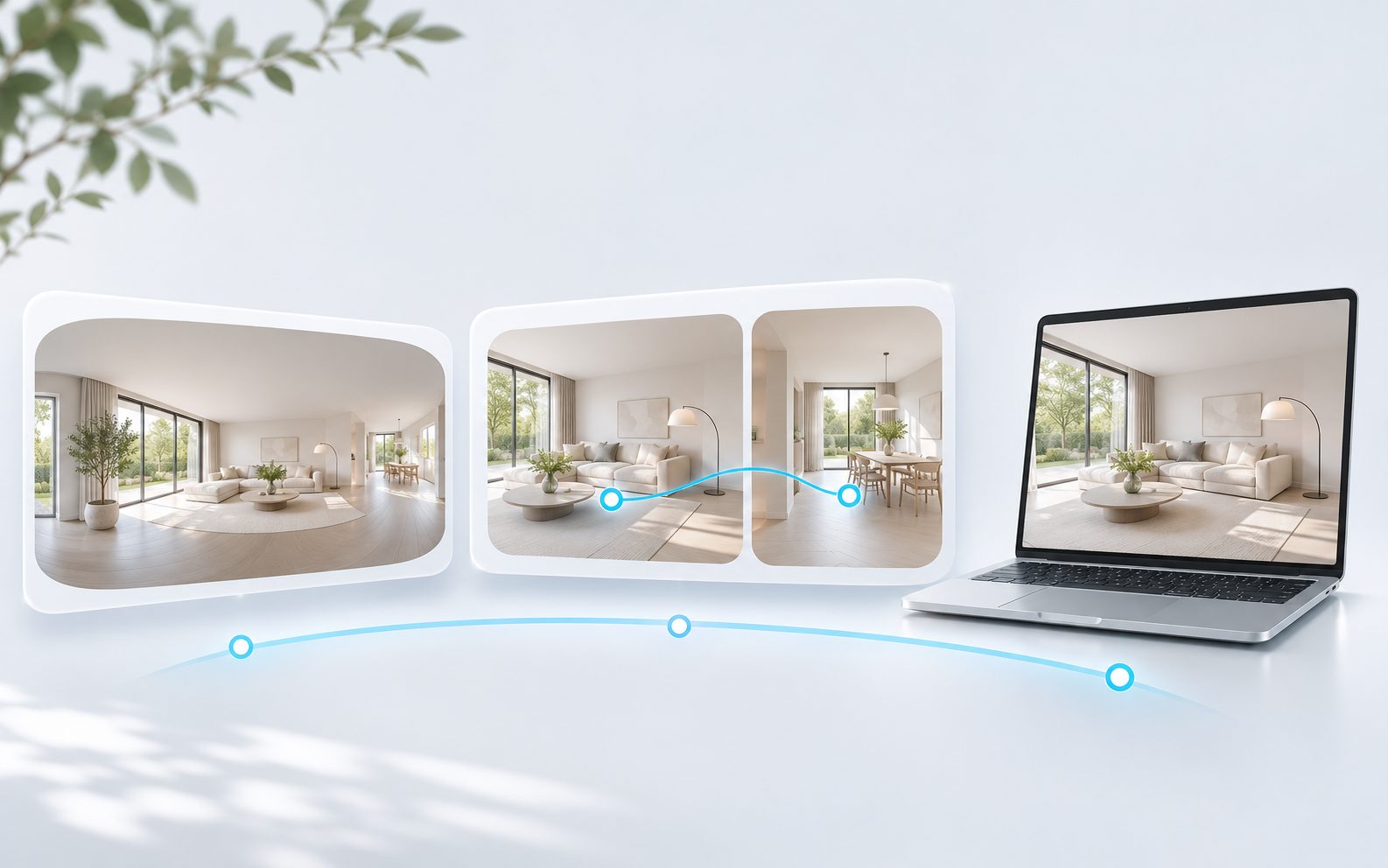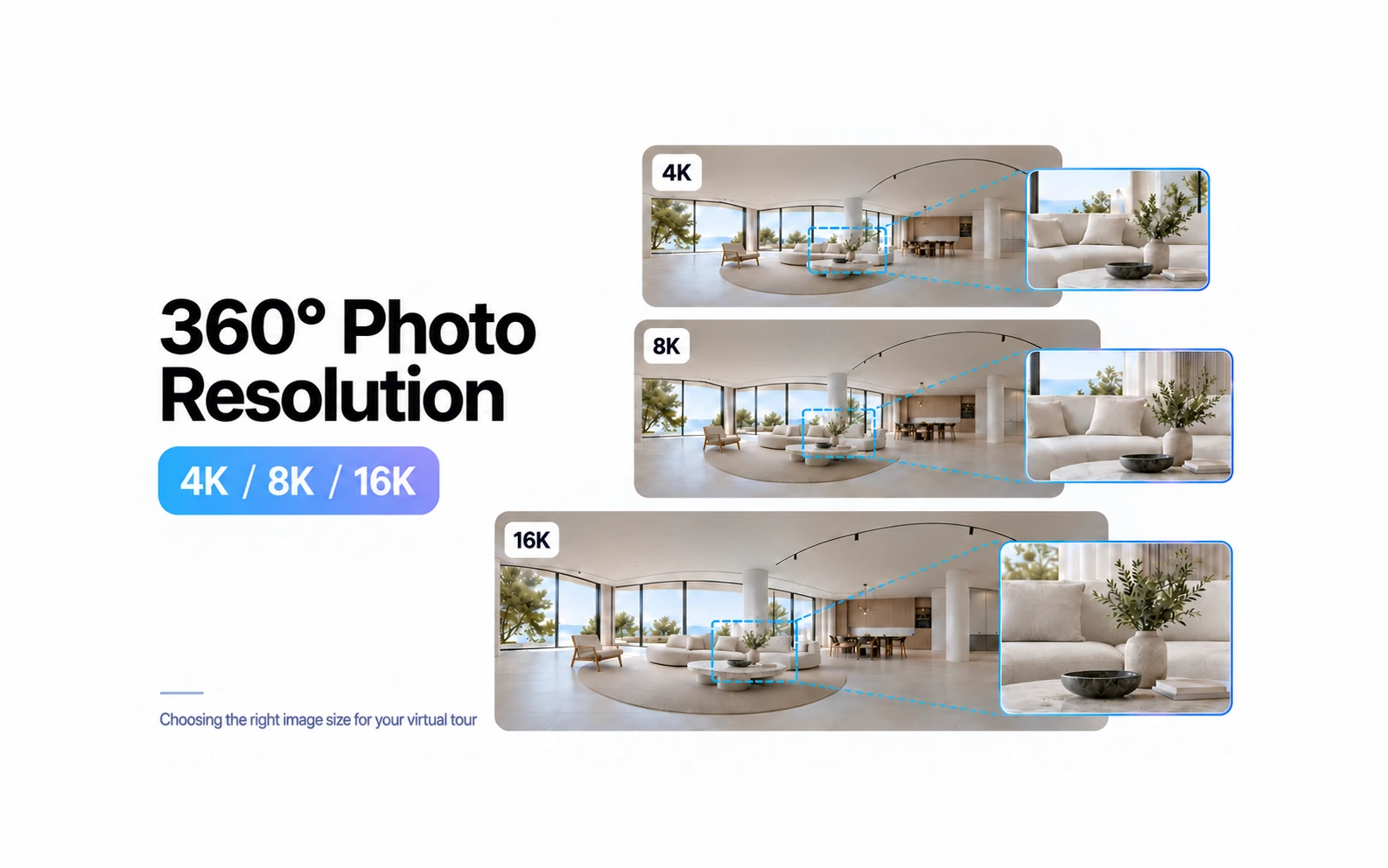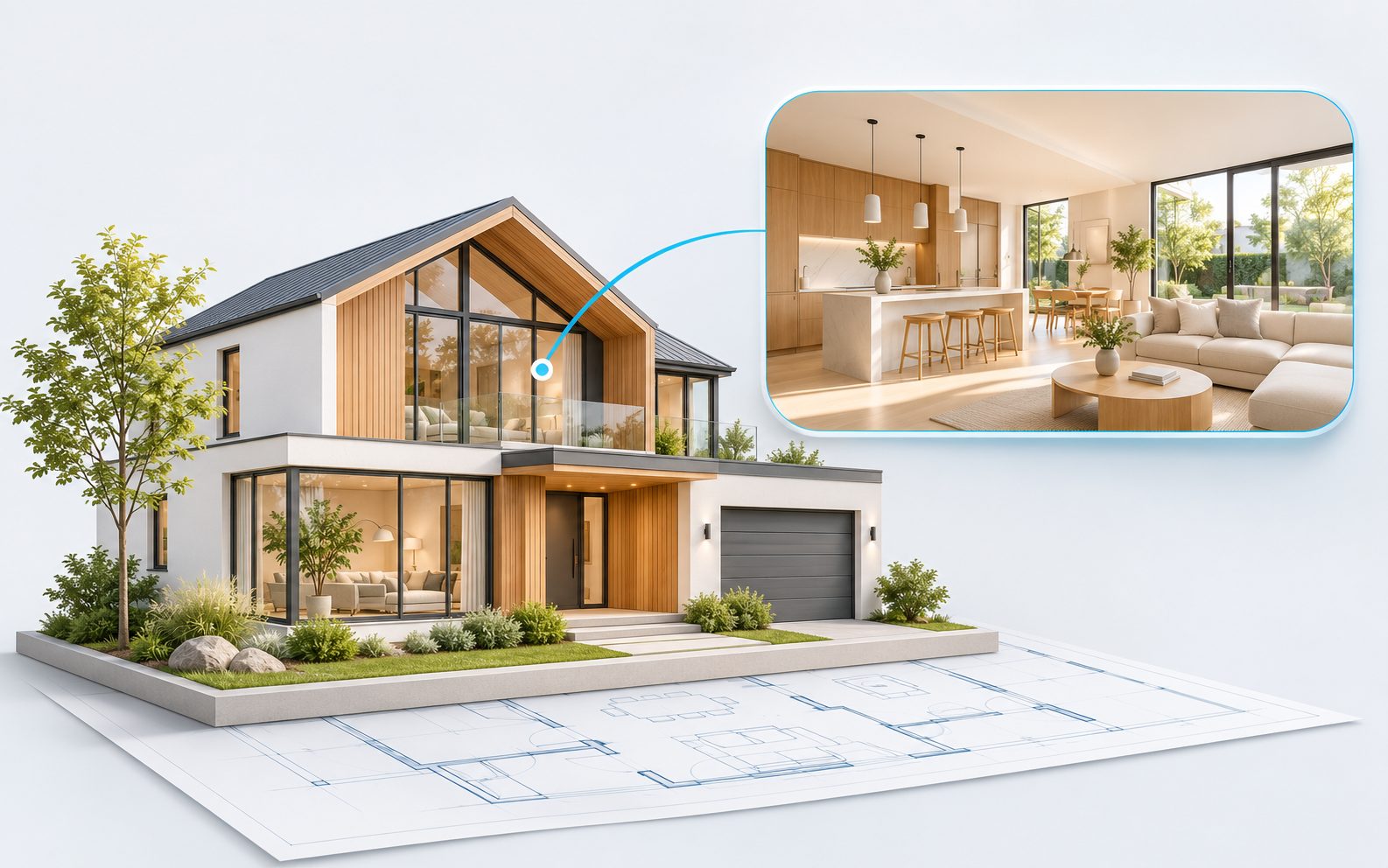
A virtual tour helps buyers explore a home and understand its layout before visiting in person. A completed model home can be shown through panoramic photographs, while a proposed property can be presented using 360 architectural renders. Space Tour assembles either type into a presentation with transitions between scenes.
Choose the property and prepare the materials
Identify the model, floor plan, and finish package the tour represents. If a development includes several similar options, label the specific model: one tour should not suggest that all the homes are identical.
For a completed property, capture viewpoints that show how spaces connect: the entrance and living room, kitchen and dining area, hallway and bedrooms. Remove personal documents and check reflections and lighting. If furniture or upgraded finishes are not included in the standard specification, explain this alongside the tour.
For an unbuilt home, prepare equirectangular 3D panoramas. The guide to creating panoramas in 3ds Max provides an example workflow. Agree camera positions and scene connections first, then render the complete set.
Show the layout through a clear route
Choose viewpoints around buyer questions: where the home office is, how the kitchen connects to the living room, or where the terrace can be accessed. Connect scenes with logical transitions and give rooms clear names. For multiple floors, indicate exactly where each room is located.
A panorama helps people assess a space visually, but it does not replace approved plans and measurements. If you add a floor plan, check that it matches the model shown and that the feature is available on your chosen plan.
Distinguish the completed property from the proposed design
Clearly label 3D scenes as architectural visualizations. If views, landscaping, furniture, or finishes are illustrative, add a clear explanation. Do not mix photographs of completed rooms with proposed designs without labels.
Finish options and day or night scenes also need clear names. Paired panoramas for day and night mode should be made from the same camera position. Check feature availability and test the transition before adding them.
Publish the tour and keep it current
You can send buyers a tour link directly, while an iframe lets you embed it on a property page. Space Tour offers ZIP export for self-hosting on Air, Plus, and Pro. This requires deploying the files separately: compare publishing methods with the person responsible for the website.
Before publishing, test the tour on a phone and computer, and have the project team approve the property information. When the layout, finishes, or specification changes, update the affected scenes and descriptions. Keep the original panoramas and approved plans so future revisions do not have to start from scratch.
Start with a short route in the Space Tour demo. This lets you test the tour structure before preparing every image.